Can You Trust This Image?
A simple verification lesson for any classroom

A student once looked at an image we were discussing and said, "But it looks real."
That moment stuck with me, because that's often where students begin.
Images today are designed to feel convincing. They show up in feeds, in group chats, in search results. Some are real, some are altered, and some are entirely generated. But all of them can influence what students think before they’ve had a chance to question.
If we want students to think more carefully, we have to give them something concrete to do. Not just say "be skeptical," but show them how.
An Image Analysis Routine
Here is a simple routine I've used with students that fits into a single class period. It works across subjects and doesn't require a lot of setup time, but it does shift how students approach what they see.
The goal is to slow down that first reaction just enough to ask: What am I actually looking at? And how do I know?
Start with an image that invites a reaction. It might be tied to a recent event, something widely shared online, or an image that feels a little unclear or open to interpretation. Flood images are a strong example, since they are often reshared with new captions after major storms.
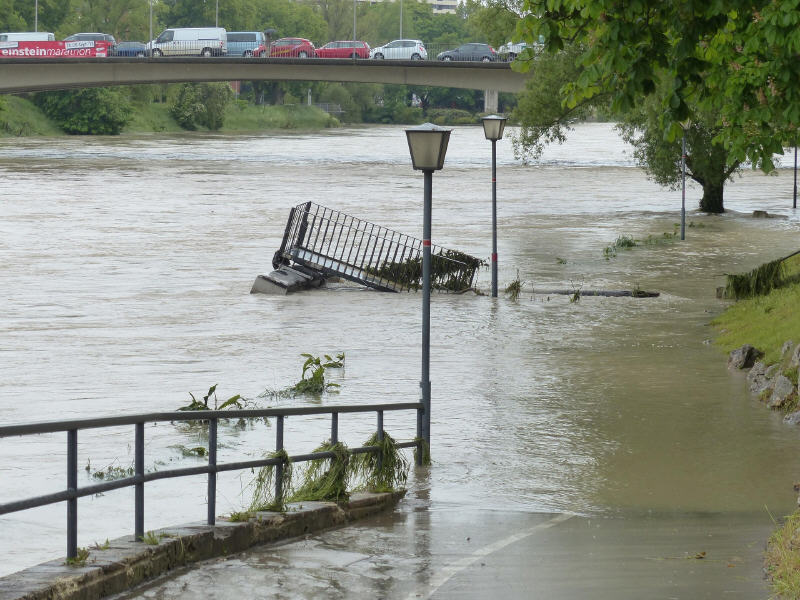
Images like this are often shared online with captions linking them to current events. In this activity, students use reverse image search and lateral reading to determine whether the image is being presented in its original context.
Display the image without context and ask: What do you notice? What do you think is happening here?
Students jump in quickly. They make reasonable assumptions. They sound confident.
Then shift the question: What is this image trying to show or prove? What might someone want you to believe after seeing it?
This is where the conversation begins to change. Students move from describing the image to thinking about its purpose. Capture a few of their ideas so you can return to them later.
At this point, it can be helpful to encourage students to look closely for small details. In the image above, for example, students might notice signage, language, or landscape features that offer clues about where and when the photo was taken. These details often go unnoticed at first, but they can become important pieces of evidence.
Digging Deeper
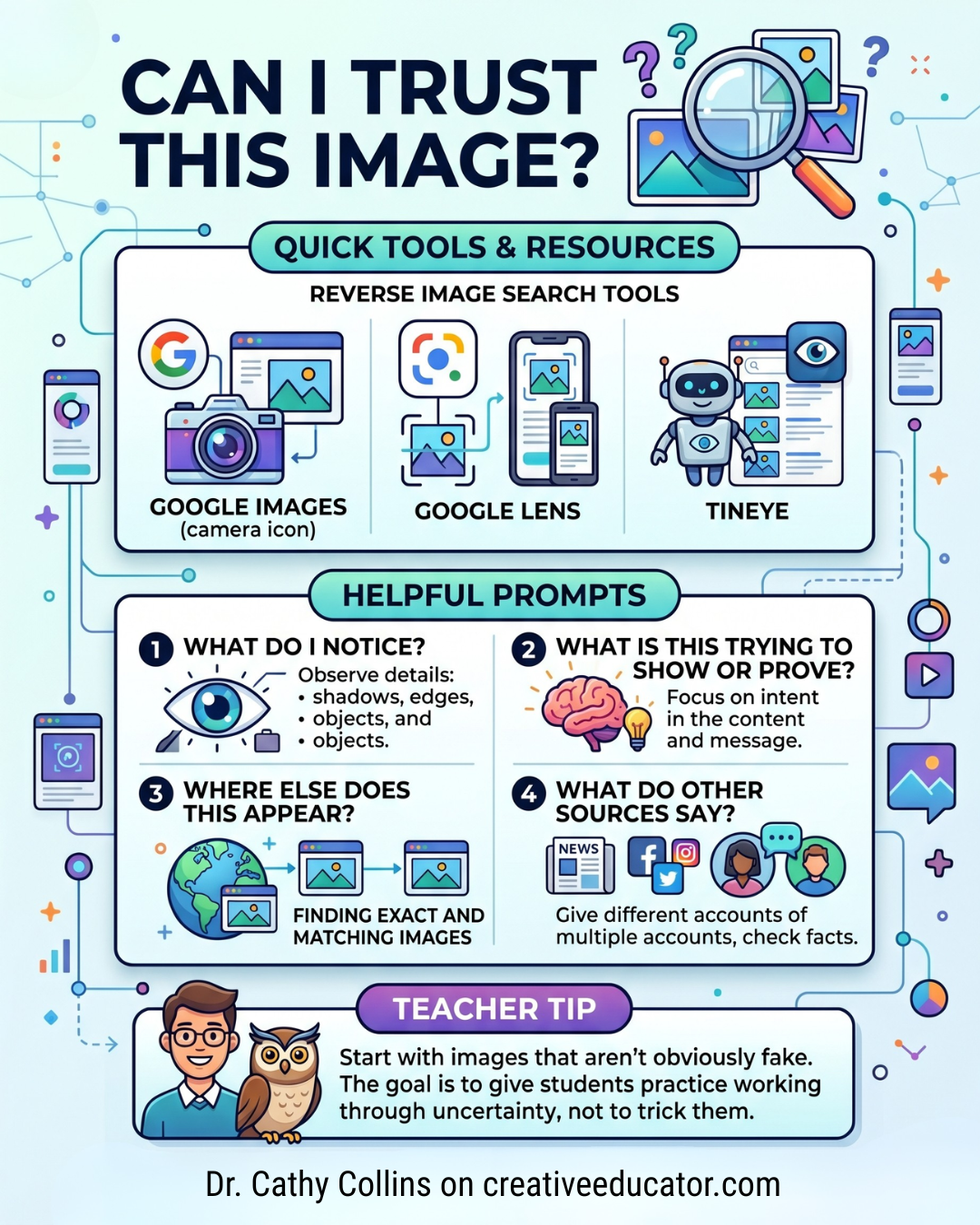
Next comes the part many students haven’t experienced before. Ask: Where else does this image appear?
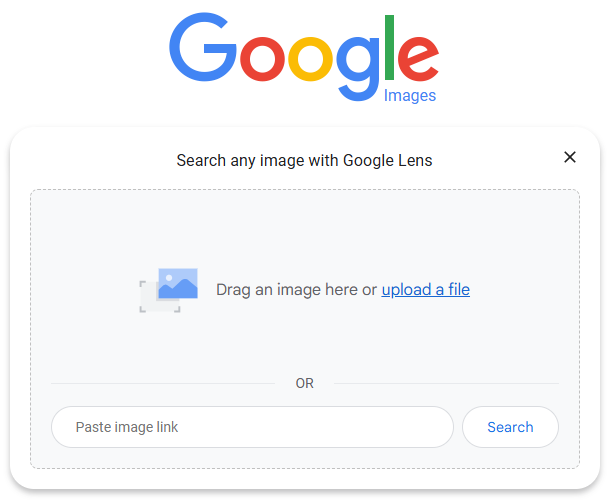
Introduce the process of a reverse image search. Students can try tools like Google Images, Google Lens (for phones)and TinEye. As they search, encourage them to look for earlier appearances of the image, different captions, and sources that provide more context.
At this point, students tend to find one result and stop. This is a good moment to introduce a simple habit: check across sources.
- What do other sites say about this image?
- Do they agree?
- Do they add context?
This doesn't take long, but it helps students see that understanding becomes clearer when they look beyond a single source.
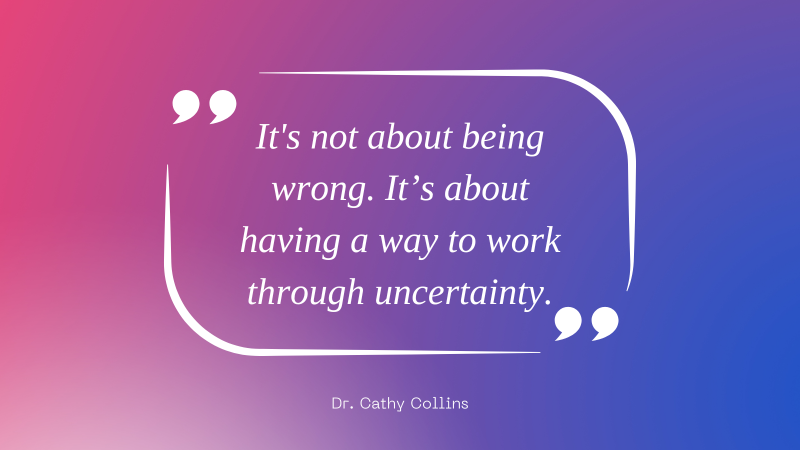
Then, return to the original claims. What did you think at first? What do you think now? What changed your thinking? Students begin to notice how quickly they trusted what they saw — and how a few minutes of checking shifted their understanding. It's not about being wrong. It’s about having a way to work through uncertainty.
A simple closing question helps bring this into focus: What might have happened if you had shared this image without checking it?
This routine is simple, but it builds a habit. And it transfers. In science, students are interpreting visual data. In social studies, they’re analyzing sources. In ELA, they’re evaluating media messages. In each case, they’re being asked to make sense of information. Verification gives them a way to do that with intention.
If there's time, you can extend the lesson by introducing an AI-generated image. Ask: What makes this feel real? What questions would you ask before trusting it? Students begin to see that "looking real" is no longer enough.
You don't need a full unit to start building this habit. One image, a few questions, and a simple process can go a long way. Over time, students begin to pause more. They question more. They check more.
And that’s really the goal.

 Most Read